Supremo Remote Desktop

4,9 (14 · RU) · 3,3 (12 · US)

Разработчик
Nanosystems S.r.l.
Устройства
Вышло
30.05.2017
Текущая версия
5.0.3 (16.09.2026)
Требует iOS
15.0
Размер
82 МБ
Языки
EN

О приложении

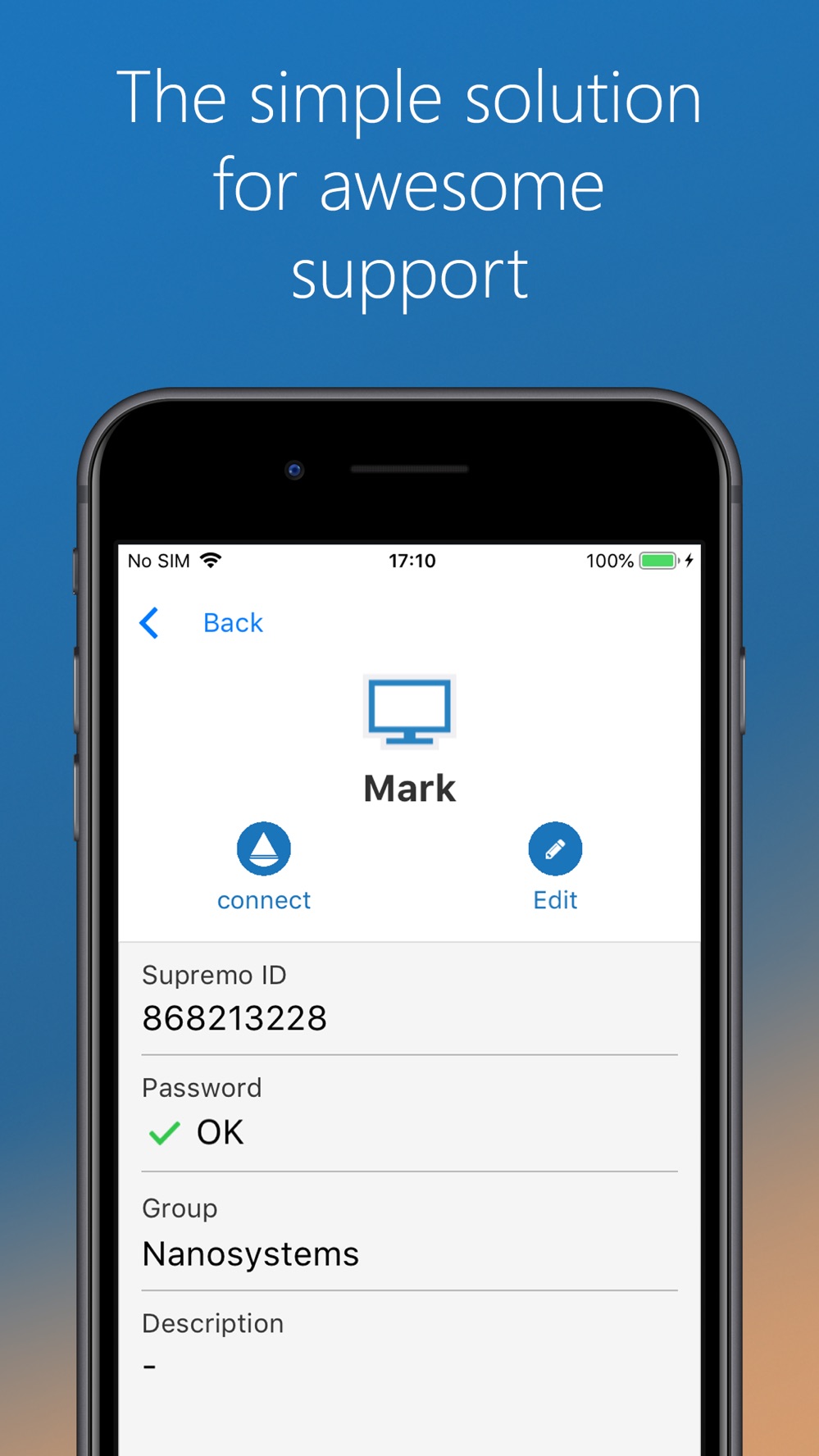
Supremo Remote Desktop is a powerful, easy and complete solution for remote desktop control and support. It allows to access a remote PC in just a few seconds. Supremo is also compatible with Supremo Console, the IT Management Console.

Download, access, control.

Бесплатно
Открыть в App Store

Скидок пока не было — следим за ценой с 25.11.2026

Что нового в 5.0.3

New Features - The user interface has been completely redesigned for a cleaner, more intuitive experience - Incoming connections can now also be allowed - Introduced a new, faster, and more lightweight communication protocol with gateways - Introduced end-to-end connection encryption based on the TLS 1.3 standard - OpenSSL libraries updated to version 3.5.7 - New EULA (End User License Agreement) and integrated alerts in case of use of weak passwords

Официальное описание

Supremo Remote Desktop is a powerful, easy and complete solution for remote desktop control and support. It allows to access a remote PC in just a few seconds. Supremo is also compatible with Supremo Console, the IT Management Console. Download, access, control. With Supremo Remote Desktop you can: • Remote control PCs and servers, from your personal devices • Chat with the remote user Features: • Secure remote control, protected by AES 256-bit encryption • Full mouse and keyboard support, including special keys • Zooming and screen scrolling • Integrated chat • Multi-display support • UAC-compliant • Cloud-synced address book powered by Supremo Console Get started: 1. Install Supremo Remote Desktop 2. Download and launch Supremo for Windows from the PC/server you need to remote control, take note of ID and password 3. Launch Supremo Remote Desktop and specify ID and password 4. Remote control the machine!

История цены

25.11.2026Бесплатно

Цена проверена 25.11.2026

Похожие приложения