SchFesPractice

3,4 (12 · RU)

Разработчик
Tomoyuki Mikami
Устройства
Вышло
08.05.2013
Текущая версия
2.0.4 (02.02.2015)
Требует iOS
6.0
Размер
3 МБ
Языки
EN, JA, ZH, ZH

Об игре

This app is a live practice application of "Love Live! School idle Festival".

It is a thing to adjust the timing by touching the yellow circle of nine has been displayed on it to capture the video.

Please keep in mind, such as sound and video files related to the official app is not included.

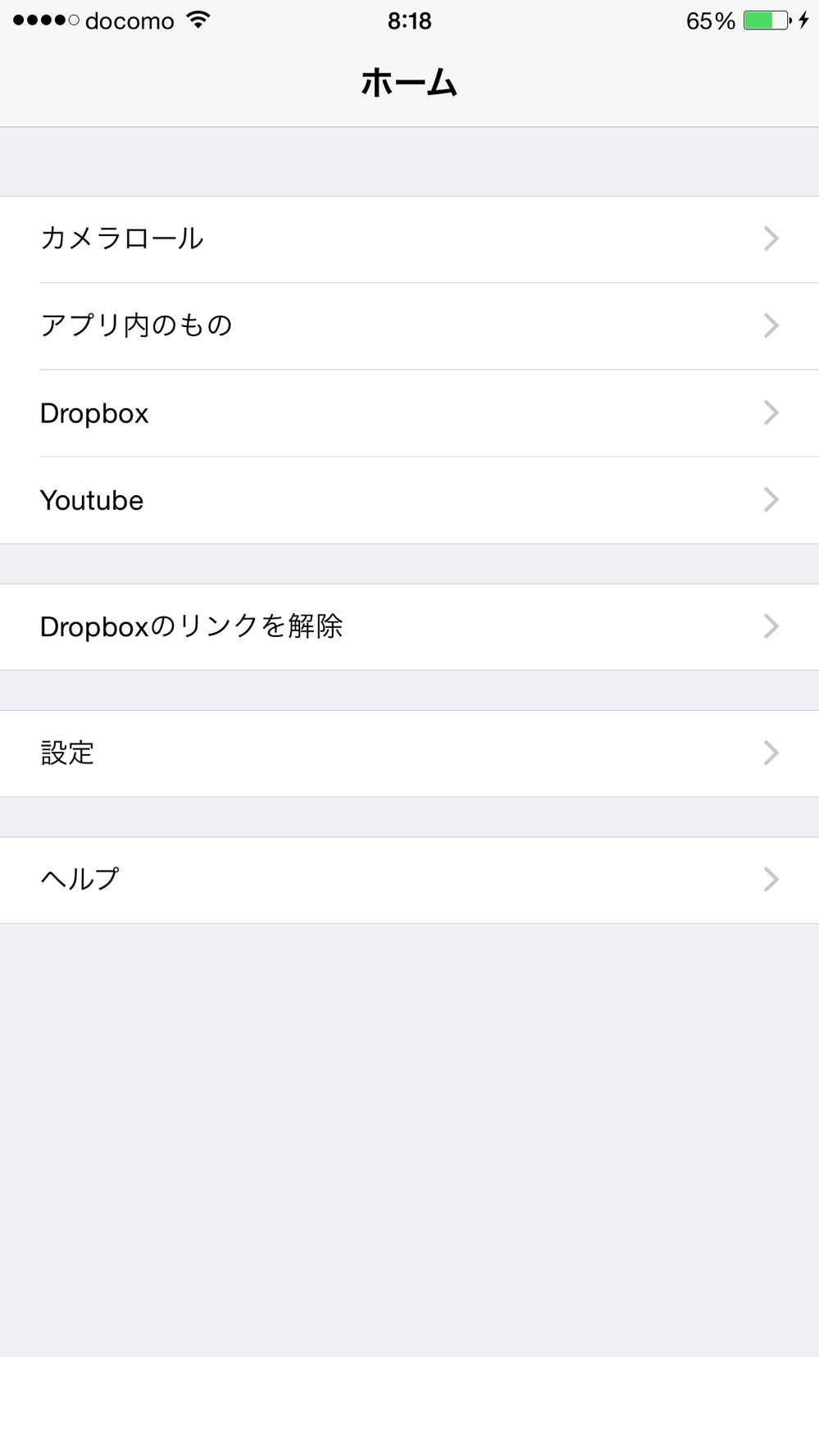
How to put videos on iPhone

- Camera Roll

- iTunes file sharing

- Dropbox

Live practice view

To move to the live practice view When you select a video from "those in-app" or "Camera Roll".

Please make sure that the yellow circle to match that of the video.

It's made to fit what the official circle.
Бесплатно
Открыть в App Store

Скидок пока не было — следим за ценой с 26.11.2026

Что нового в 2.0.4

自身でYoutubeのURLを入力する機能を追加 Youtubeのリストの画面の右上の編集ボタンを押し、Addボタンを押します。 適当なタイトルとYoutubeのURLの末尾を入力して保存します。 編集を完了するとこれまでと同様に利用できます。 URLの末尾の打ち間違いなどで正しく再生できないことがあります。 Youtubeですぐ止まる方は回線の状況が良い所で利用してください。

Официальное описание

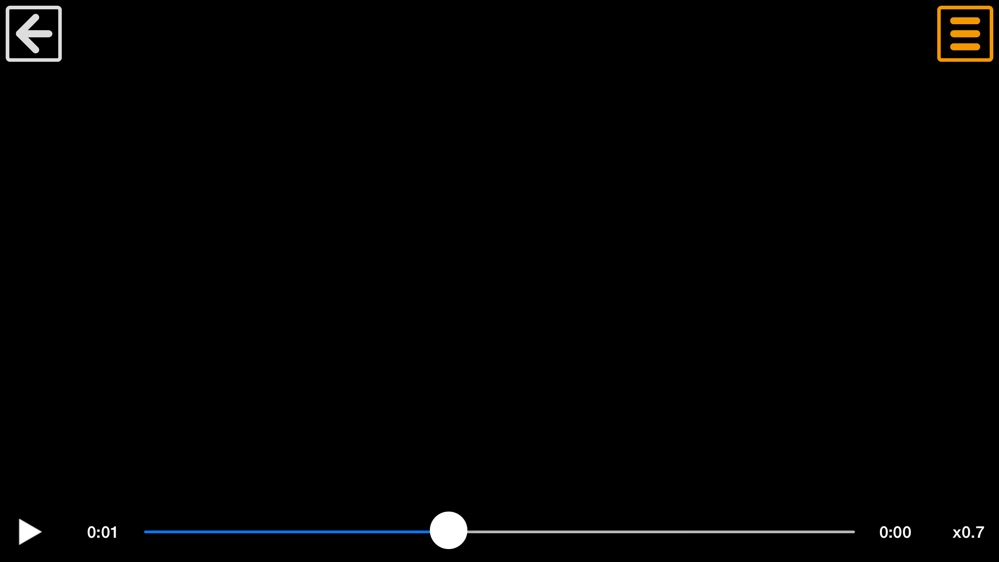
This app is a live practice application of "Love Live! School idle Festival". It is a thing to adjust the timing by touching the yellow circle of nine has been displayed on it to capture the video. Please keep in mind, such as sound and video files related to the official app is not included. How to put videos on iPhone - Camera Roll - iTunes file sharing - Dropbox Live practice view To move to the live practice view When you select a video from "those in-app" or "Camera Roll". Please make sure that the yellow circle to match that of the video. It's made to fit what the official circle. Sound is when you tap the yellow circle. It would be nice to think that match this timing sound if overlaps the sound of PERFECT. It is just for you to match the timing only, It is not possible to measure from this application timing is whether the match really. Thinking please to match the sense of their own. The pause by pressing the menu button at the top right. You can either seek here, slow down the playback speed And seek bar appears when you tap the appropriate part of the view. Speed ​​will be slow when you tap the bottom right "x1.0". You can practice at a reduced playback speed. Button to return to the upper left in pause mode is displayed. exit from the live practice view by pressing the Back button to return to the file selection view.

История цены

26.11.2026Бесплатно

Цена проверена 26.11.2026

Похожие приложения