iNet WOL - Wake on Lan

BananaGlue GmbH · Утилиты, Производительность

Разработчик
BananaGlue GmbH
Устройства
Вышло
30.06.2009
Текущая версия
2.7.1 (11.08.2026)
Требует iOS
15.0
Размер
71 МБ
Языки
DA, NL, EN, FR, DE, IT, JA, KO…
Возраст
4+
Сайт
inetapp.de

О приложении

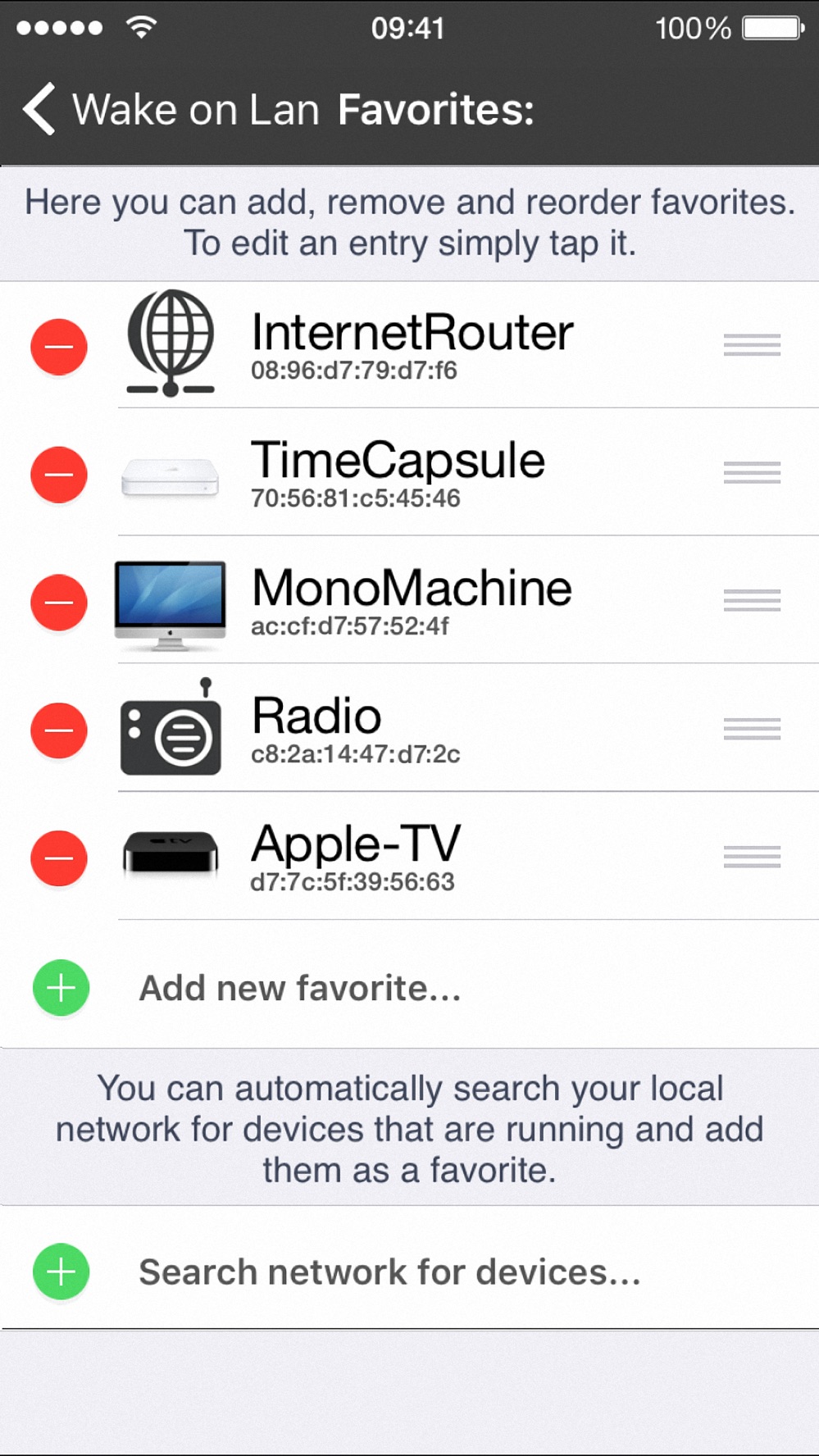
iNet WOL is a tool to wake computer from sleep via a local network or the internet. Its outstanding feature is its easiness of usage and the simple setup process. With iNet WOL you can: • Wake computer on the local network from sleep • Wake computer via the internet • Sleep, shutdown or reboot a computer remotely (Mac OSX only curently) • Add new devices with one touch (no need to enter MAC address since iOS 26) • Change names and Icons for better identification iNet WOL scans the devices connected to your local network and shows them along with their name, IP and…

449 ₽
Открыть в App Store

Скидок пока не было — следим за ценой с 22.11.2026

История цены

23 ч назад449 ₽

Цена проверена 1 мин назад

Что нового в 2.7.1

[New] Detection of MAC addresses in iOS 27 [Enhanced] Improved detection of manufacturers [Added] Device images (e.g. iPhone 17e) [Fixed] Possible crash on startup [Updated] All Databases Have a successful and lucky 2026!

Официальное описание

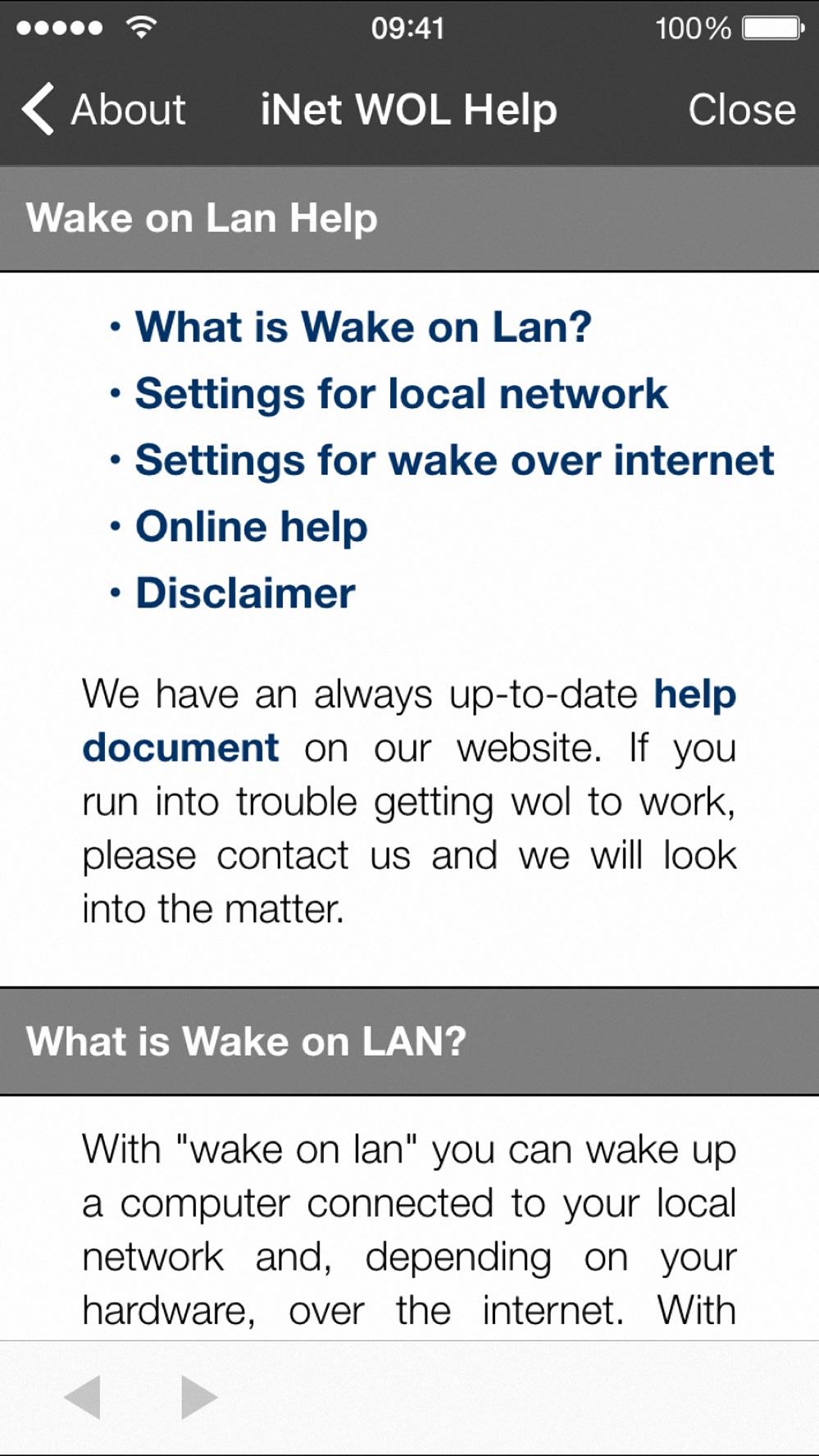
iNet WOL is a tool to wake computer from sleep via a local network or the internet. Its outstanding feature is its easiness of usage and the simple setup process. With iNet WOL you can: • Wake computer on the local network from sleep • Wake computer via the internet • Sleep, shutdown or reboot a computer remotely (Mac OSX only curently) • Add new devices with one touch (no need to enter MAC address since iOS 26) • Change names and Icons for better identification iNet WOL scans the devices connected to your local network and shows them along with their name, IP and vendor at the tip of a button. You do not need to find out the MAC addresses or type them in. Just click on an item in the generated list to add it to your favourites. Setup and usage: Start iNet WOL and click on the device you want to wake up. Its that simple. For more detailed setup instructions regarding wake on lan via internet please see our website. iNet WOL is also included in our iNet Pro Network Scanner, alongside with other network tools like ping, Bonjour scanner, portscan and more. If you just need a fast and easy solution for computer wake up - iNet WOL is perfectly suited for you.

Похожие приложения