Clutter - Screenshot Organizer

5,0 (5 · RU) · 4,8 (108 · US)

Разработчик
hayoung jin
Устройства
Вышло
26.08.2026
Текущая версия
1.4.5 (19.11.2026)
Требует iOS
15.1
Размер
54 МБ
Языки
EN, FR, DE, JA, KO, ZH, ES, ZH…

О приложении

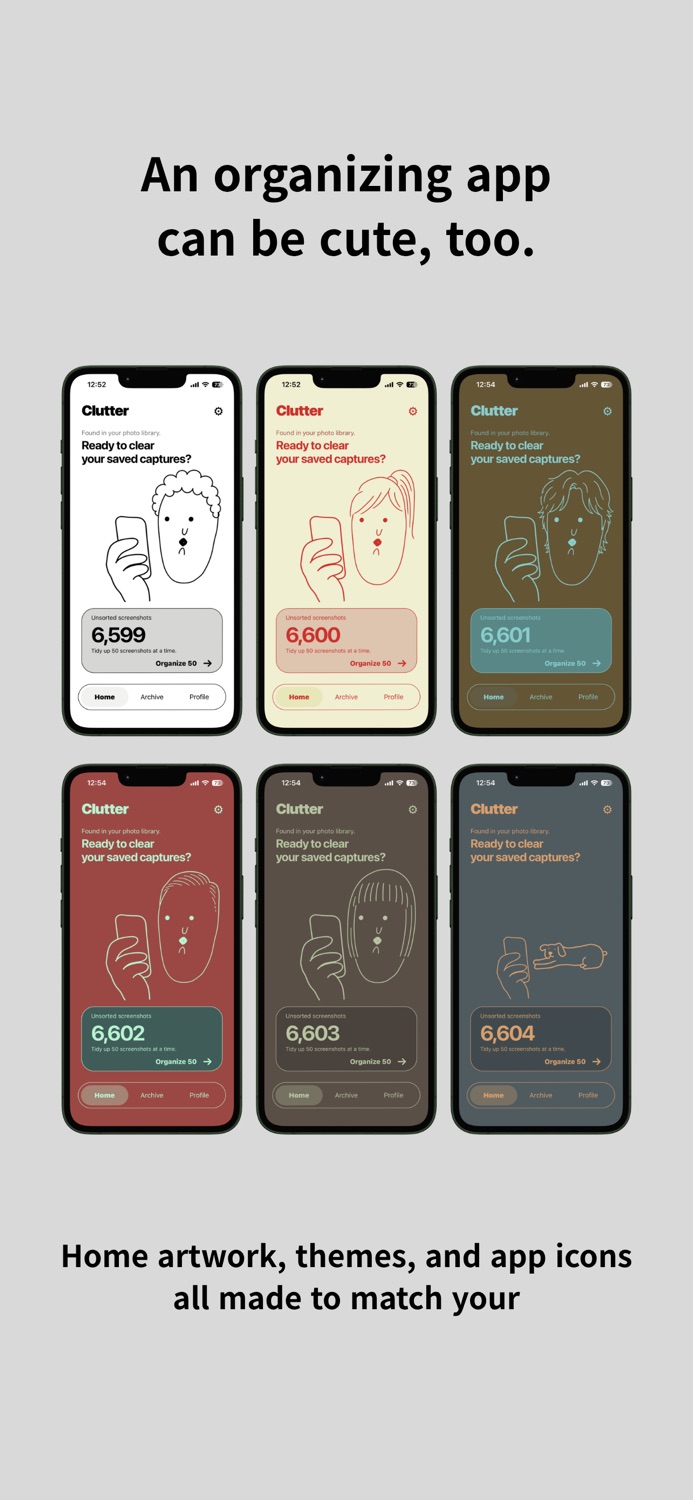
Screenshots piling up? Things to read later. Things you want to buy. Places you want to visit. Little things you want to remember. Screenshots are easy to save. Organizing them? Not so much. ◆ Clutter makes screenshot cleanup simple. Clear what you don’t need. Keep what matters. Find it again when you need it. You don’t have to clean up everything at once. Just start with a few. ◆ Quickly review and sort Go through screenshots one by one. Delete, save for later, or move to a folder. All from one screen. ◆ Keep screenshots in folders Shopping, travel, restaurants, ideas—or anything you want.

Бесплатно
Открыть в App Store

Скидок пока не было — следим за ценой с 24.11.2026

История цены

5 ч назадБесплатно

Цена проверена 5 ч назад

Что нового в 1.4.5

Choose whether Clutter asks to hide originals after organizing or keeps them in Photos. The Settings title and Done button now stay fixed while you scroll. Folder deletion now handles items whose original photos were already removed more reliably. We also improved overall stability.

Официальное описание

Screenshots piling up? Things to read later. Things you want to buy. Places you want to visit. Little things you want to remember. Screenshots are easy to save. Organizing them? Not so much. ◆ Clutter makes screenshot cleanup simple. Clear what you don’t need. Keep what matters. Find it again when you need it. You don’t have to clean up everything at once. Just start with a few. ◆ Quickly review and sort Go through screenshots one by one. Delete, save for later, or move to a folder. All from one screen. ◆ Keep screenshots in folders Shopping, travel, restaurants, ideas—or anything you want. Add tags and notes to find things faster. ◆ Browse them anytime See screenshots by folder. Or flip through them one by one. You can even copy text directly from a screenshot. ◆ Save right after capture Use the Share button to save directly to Clutter. No need to open the app. ◆ Make Clutter yours Choose your home artwork, theme, and app icon. Organizing can be cute, too. ◆ Your photos stay on your device Clutter doesn’t upload your photos or screenshots to external servers. Your photos are processed on your device. Thousands of screenshots? That’s okay. Start small. Clear a few today. Turn screenshot clutter into something you can find again.

Похожие приложения